This explains the pitfalls you can stumble upon, when writing a Dockerfile and if you want your application to do a proper graceful shutdown, when the container is stopped or the pod is deleted. I explain the differences between Debian/Ubuntu based images and Redhat based images, where the default shell (/bin/sh) is different. Later we’ll also shine a light on how the shutdown sequence works with Kubernetes pods.
TL;DR
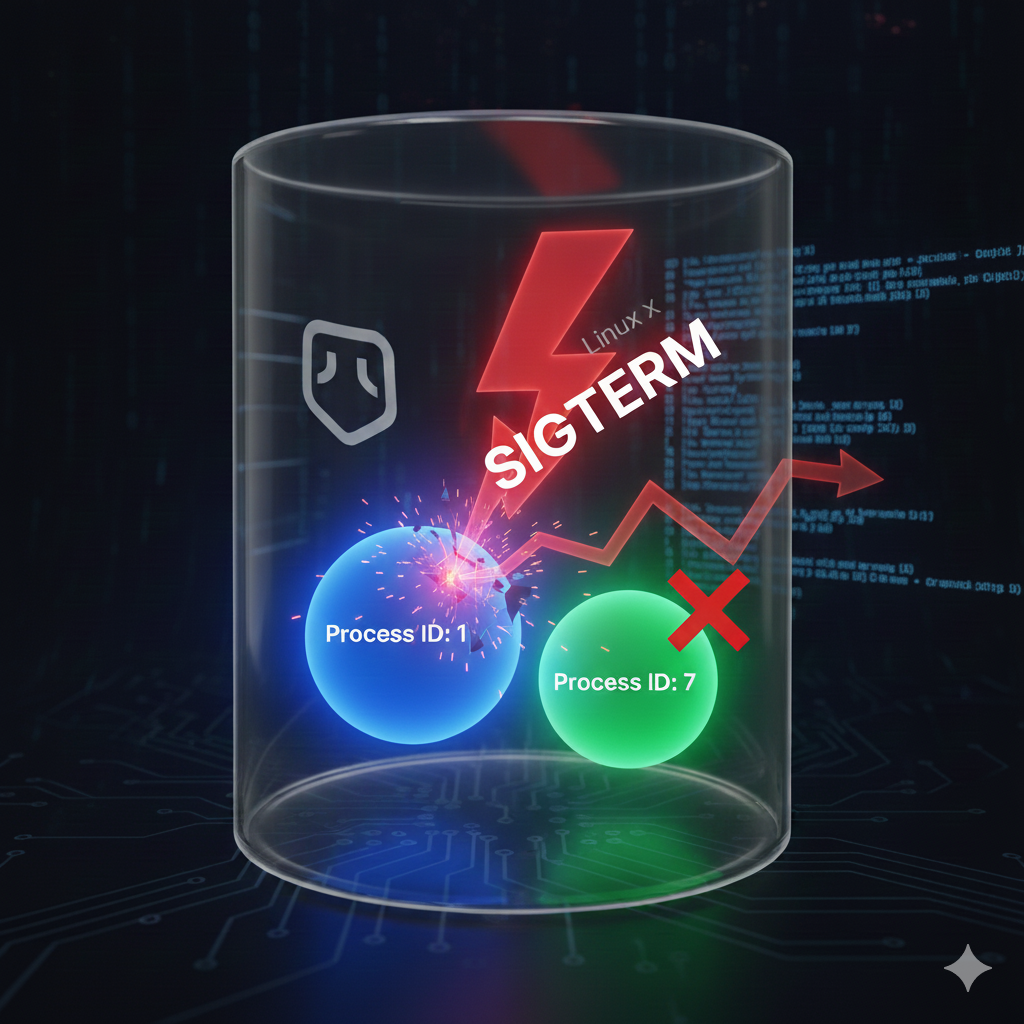
Make sure your process always runs with PID 1 to receive important Linux Posix signals like SIGTERM.
If you use the exec form with ENTRYPOINT, you are always on the safe side, independent of the capabilities of your base images default shell:
# Exec style; no shell invoked
ENTRYPOINT [
    "java",
    "-jar",
    "myapp.jar"
]
Or use the shell style and manually invoke the exec command. Starts with the default image shell and interprets variables, but then exec will take over the PID 1 from the parent, allowing it to shutdown gracefully also (Probably only works with images that provide a shell).
# Shell style, exec replaces PID 1
ENTRYPOINT exec
    java
    -Xmx=$JAVA_XMX
    -jar myapp.jar
If you define CMD instead of ENTRYPOINT, it’s up to the entrypoint command if your application will receive Linux signals (if one is defined).
# Exec style, define arguments for the entrypoint command
CMD [
    "java",
    "-jar",
    "myapp.jar"
]
In your application, make sure that the shutdown handler is implemented and enabled and if you use K8s, use a preStop timer of at least 5 seconds (I’ll explain later why in “K8s pod shutdown sequence”).
Why should I care about graceful shutdowns?
There are a couple of reasons:
- Without shutdown handling, your container/pod will take a very long time to shutdown, until the container daemon (docker, containerd) will kill it by force with SIGKILL. This will make your deployment durations much longer than it needs to be.
- Open HTTP connections could be disrupted, leading to a HTTP 5xx error for your users. Think about long-lived keep-alive HTTP connections that handle multiple HTTP requests and are not closed automatically in the moment a pod enters the terminating state.
- Close other long-lived connections (e.g., database pools, Kafka consumers/producers) properly, which can lead to resource leaks or instability when the next Pod starts up.
- Currently open DB transactions will not be committed without a graceful shutdown
- To Flush remaining logs or buffers.c
- If you use CI/CD with automated deployments, pod terminations will happen a lot
- etc.
The ENTRYPOINT syntax matters
The Docker Dockerfile reference mentions, that the shell syntax (= NOT wrapping it in [ ]), will prevent passing the signal to your applications (This is not always true, will explain later why), because the Shell will claim the Process ID (PID) 1 for itself and not forward the Linux signals to your application. PID 1 is needed in order to receive Posix signals like SIGTERM, that tell the process to invoke the shutdown procedure and clean up any open connections, run shutdown logic, etc…
Note: ENTRYPOINT and CMD are very similar constructs. The only difference is, that everything in CMD will be appended to the command defined in ENTRYPOINT. It’s then up to the entrypoint executable (e.g. /entrypoint.sh), what will happen with the CMD arguments. Some entrypoint scripts append the arguments to a predefined executable like node, others do not prepend any command. The most reliable way to start a container with your custom command is –entrypoint=yourcommand.
Exec syntax
JSON Square brackets
ENTRYPOINT [ "command" ]
Behavior
- The command will not be implicitly wrapped by a shell.
- Shell variables ($) will NOT be evaluated, unless sh is called explicitly.
- command will always receive Linux signals like SIGTERM when the container is terminating, allowing the application to shutdown gracefully.
Shell syntax
No square brackets
ENTRYPOINT command
Behavior
- Will implicitly run the command with a shell wrapper (defined by SHELL).
- The command will be wrapped by a shell automagically (e.g. sh -c “ENTRYPOINT”).
- Shell variables will be evaluated.
- If the base image didn’t define SHELL, the default is [ “sh”, “-c” ]
The shell would not forward any signals it receives to the currently running child process. The only way to receive these signals is to have PID 1. The JSON syntax makes sure that your process isn’t wrapped with a parent shell, but is directly executed.
There is also an alternative way to achieve the PID 1: exec.
exec will simply replace the parent process with PID 1, meaning your application will take over the PID 1. This would allow you to still evaluate shell arguments like $JAVA_XMX and also receive signals.
However this doesn’t seem to be the full truth, because there is also something called “implicit exec” in the Bash shell specifically, that will automagically call exec for you and therefore assigns the PID 1 to your application. Not all container images use Bash, some like Ubuntu/Debian based images use the Dash shell for /bin/sh or Busybox Ash (alpine images), which don’t support automatic exec. So depending on the base image, the graceful shutdown will work or not work, if you don’t use the [ ] or exec.
Here are some examples of common images we use at Willhaben, that use Bash for /bin/sh and therefore will always shutdown gracefully, independent of the ENTRYPOINT format being used.
- registry.access.redhat.com/ubi8/openjdk-21-runtime (sh = bash)
- amazoncorretto (sh = bash)
- node (not Bash, but uses the exec command in docker-entrypoint.sh, will work if you don’t overwrite ENTRYPOINT)
On the other hand, be careful with base images like alpine, golang, debian, ubuntu, etc… They don’t use Bash as the default shell and therefore need a proper ENTRYPOINT definition, or an entrypoint script that calls exec.
Bad Dockerfile examples
Graceful shutdown will not work in the following examples, because the application java won’t have PID 1.
Base images with Dash/Busybox Ash shell
Java would run with a process ID > 1 and not receive any Linux signals. No graceful shutdown will happen.
FROM debian:buster # or other images not using Bash as shell
ENTRYPOINT java -jar myapp.jar
Base image with Dash/Busybox Ash shell and sh
Java would run with a process ID > 1 and not receive any Linux signals:
FROM debian:buster # or other images not using Bash as shell
ENTRYPOINT [ "/bin/sh", "-c", "java -jar myapp.jar" ]
Exec style and no exec command
FROM debian:buster # or other images not using Bash as shell
ENTRYPOINT /bin/sh -c "java -jar myapp.jar"
Good Dockerfile examples
Exec syntax
No shell invocation. Will work, regardless the base image that is used:
ENTRYPOINT ["java", "-jar" "myapp.jar"]
Shell syntax with exec command
Started with a shell implicitly, but exec will take over PID 1.
Will also work, regardless of the base image that is used. This style has the benefit that shell variables are also interpreted. However some IDEs print a warning for not using the exec syntax.
ENTRYPOINT exec java -jar myapp.jar
Base images with Bash shell
Uses shell syntax, but the Redhat base image uses Bash for /bin/sh, that uses an implicit exec command.
Any ENTRYPOINT style will work:
FROM registry.access.redhat.com/ubi8/openjdk-21-runtime:latest
Exec syntax with sh command and exec command
This will also work, independent of the base image:
ENTRYPOINT [ "/bin/sh", "-c", "exec /entrypoint.sh" ]
CMD and entrypoint with exec command
Graceful shutdown will work if:
- The entrypoint script/executable uses exec on its arguments (= CMD)
- If the parent process, the entrypoint executable forwards Linux signals to your application (haven’t seen something like this yet)
# /entrypoint.sh uses exec "$@"
ENTRYPOINT [ "/entrypoint.sh "]
# Exec style, define arguments for the entrypoint command
CMD ["java", "-jar" "myapp.jar"]
Change the default shell to bash
When changing the shell to Bash, implicit exec will also work for Debian based images and exec syntax:
FROM debian:buster
SHELL [ "/bin/bash", "-c" ]
ENTRYPOINT java -jar myapp.jar
Testing the exec behavior of any default shell
This test will show, if your process will automatically get the PID 1 and receive signals:
# Replace ubuntu:latest with any image of your choice
docker run - name=test --rm --entrypoint /bin/sh ubuntu:latest -c "echo Started;trap "echo Container is stopping now…" EXIT; sleep infinity"
docker stop test
In the example above, the message Container is stopping now would NOT be printed, therefore your application would NOT shutdown gracefully. If you replace /bin/sh with /bin/bash (or use a Redhat image), the message will be printed, because Bash automatically assigns PID 1 to the child process (implicit exec).
Pro tip: Using docker exec, You can also output the command of the currently process with ID 1 if ps isn’t available:
cat /proc/1/cmdline
Further useful commands for inspecting images
# Find out the default entrypoint, arguments, shell and environment variables
docker inspect debian

# Inspect a running container
# The attribute MergedDir can be very interesting, as it allows you to
# access the containers filesystem, even if the container does not provide
# a shell (alpine, distroless).
docker inspect containername

# Start a container with sh shell
docker run --rm -ti --entrypoint=sh debian
K8s pro tip: Use the very powerful command kubectl debug for inspecting K8s pods that don’t provide a shell. For example, this can inject an ephemeral helper container or make a debugable copy of a pod.
Kubernetes
So what about K8s? How do I correctly override the entrypoint and what does the shutdown procedure of a Kubernetes pod look like?
Overriding the entrypoint in Kubernetes pod containers
Most of the time you don’t need this, but it might be handy to know how.
Dockerfile equivalents in K8s world (Dockerfile vs. Pod container):
- ENTRYPOINT → command
- CMD → args
- SHELL → Part of command, if shell syntax was used. If you override the command, you also have to wrap the command using sh -c “command”.
As you may know, CMD just defines the arguments that are passed to the entrypoint executable. If there is no ENTRYPOINT defined, the first argument of CMD becomes the executable.
K8s pod shutdown sequence
- The pod state is set to “Terminating”.
- kube-proxy and ingress controllers will stop sending further traffic to the pod IP. This means that the Service EndpointsSlice Controller will receive a notification and then it sets the ready state to false for the pods (IP). This is an asynchronous process. It can take a few seconds until the pod doesn’t receive any more traffic. Also this doesn’t affect already open connections. The application is responsible for properly closing connections itself.
- If a preStop hook is defined for a container, this is executed now. Important: This can happen already before kube-proxy stops sending new HTTP requests, so make sure to not stop the HTTP server too early (see “Delay container termination with preStop” below)
- Once pod.Spec.TerminationGracePeriodSeconds (default: 30s) is reached, all containers will be killed by force with SIGKILL, no matter if they are still in the preStop phase or already in the shutdown hook. You should avoid containers being sigkilled, if possible.
Also see: https://kubernetes.io/docs/concepts/workloads/pods/pod-lifecycle/#pod-termination-flow
Delay container termination with preStop
When Kubernetes deletes an application instance, the shutdown process involves several subsystems concurrently: shutdown hooks, unregistering the service, removing the instance from the load-balancer…Because this shutdown processing happens in parallel (and due to the nature of distributed systems), there is a window during which traffic can be routed to a pod that has also begun its shutdown processing.
You might not notice this when your app only receives — let’s say — 1 req/s. But if it has to handle 100 req/s, the chance is high that some requests will fail if you don’t delay the shutdown, to give the K8s service lifecycle progagation enough time to stop sending new HTTP requests to your app.
So make sure to always have this defined for your pod:
lifecycle:
  preStop:
    sleep:
      seconds: 5
Alternatively, you can also implement the delay in your code.
Application side graceful shutdown support
- Your app also needs to have an exit function implemented that reacts on signals like SIGTERM.
- If you are using spring-boot, make sure that server.shutdown=graceful is set and that you’ve read https://docs.spring.io/spring-boot/how-to/deployment/cloud.html#howto.deployment.cloud.kubernetes.container-lifecycle
- In K8s, delay the shutdown handler invocation (read above)
Final conclusion
Avoid having to worry about the used base image (which could be changed by other innocent people later) and always use the JSON style [] “exec” syntax or define the exec command explicitly yourself, if you have to evaluate shell variables and need to use a shell.
Allow your containerized applications to shutdown gracefully was originally published in willhaben Tech Blog on Medium, where people are continuing the conversation by highlighting and responding to this story.